BlogProduct1 min read

This month in the Jsoniverse: November 2026

A public launch, public dataset pages, Claude and ChatGPT plugins, Jason in Slack and on email, and automatic QA on every dataset. What's new at Jsonify this month.

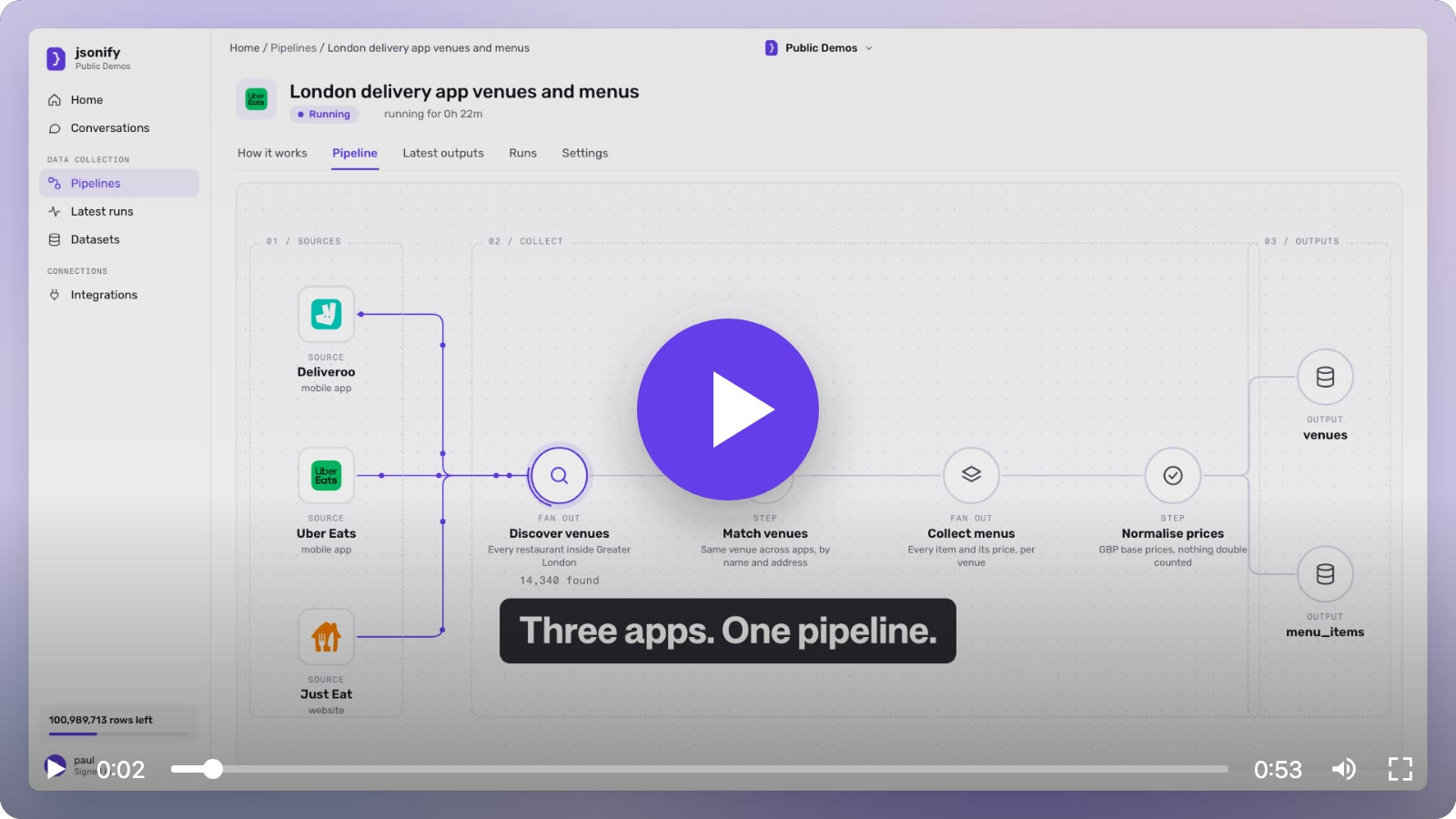
A paused video player over the Jsonify pipeline view for London delivery app venues and menus, captioned Three apps. One pipeline.

A public launch post, public dataset pages, and Claude and ChatGPT plugins are just some of what’s new this month at Jsonify. This went out by email to everyone with a Jsonify account this morning. Here it is for everyone else.

01. We’re officially launched!

No more stealth mode. We’ve got a lot of great content posts queued, but before we start posting them, we had to do an official launch post too.

And hey, if you’ve forgotten who we are and what we do, check it out.

Read the launch post, or read it on LinkedIn if that’s more your thing.

02. Prebuilt datasets, now public.
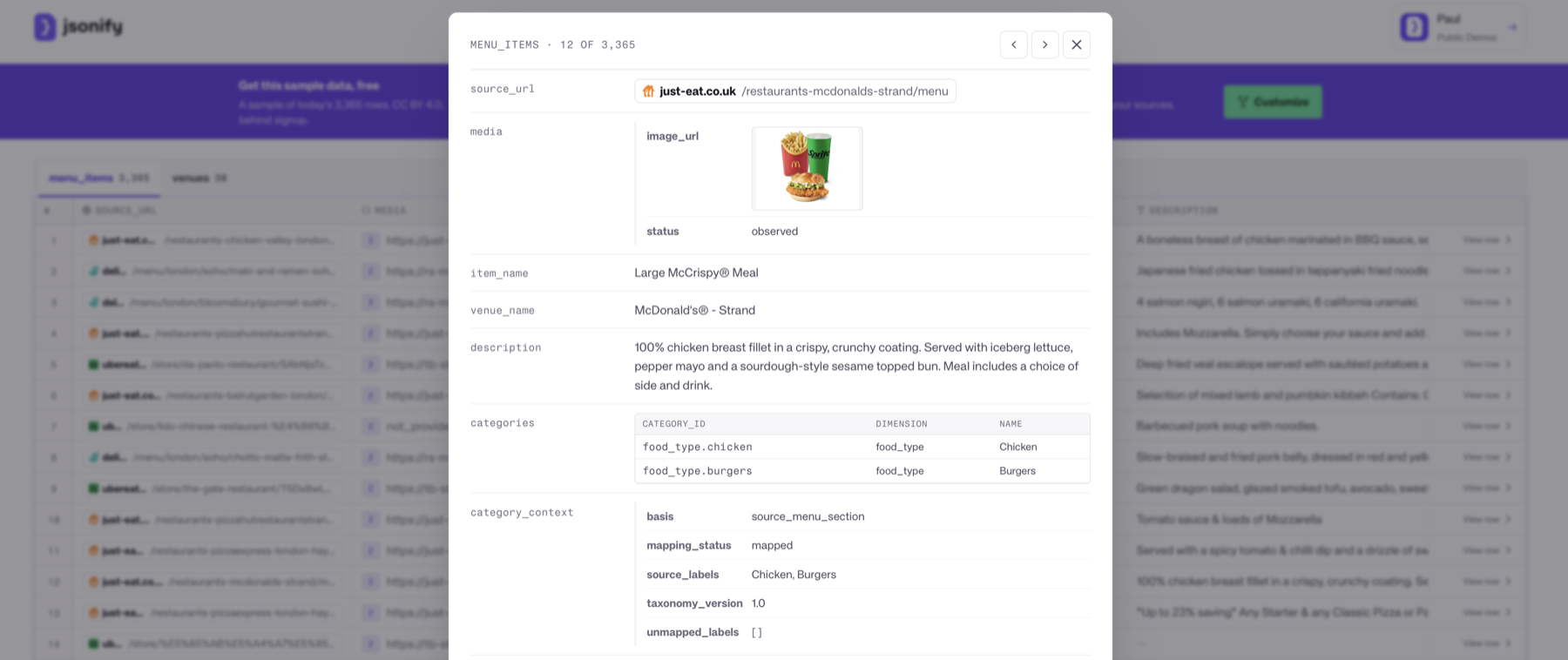
The Jsonify datasets page with a row viewer open on a London delivery menu item: a Large McCrispy Meal from McDonald's on Just Eat, with its source URL, image, description and food-type categories.
Row 12 of 3,365. Every one of them has a source URL.

It’s always fun seeing what other people are building with Jsonify. Now there’s a public datasets page, where you can browse premade collections, see free samples, and fork the pipeline that built them so you can modify and collect your own.

Some examples:

03. Connect us to your favorite AI tools
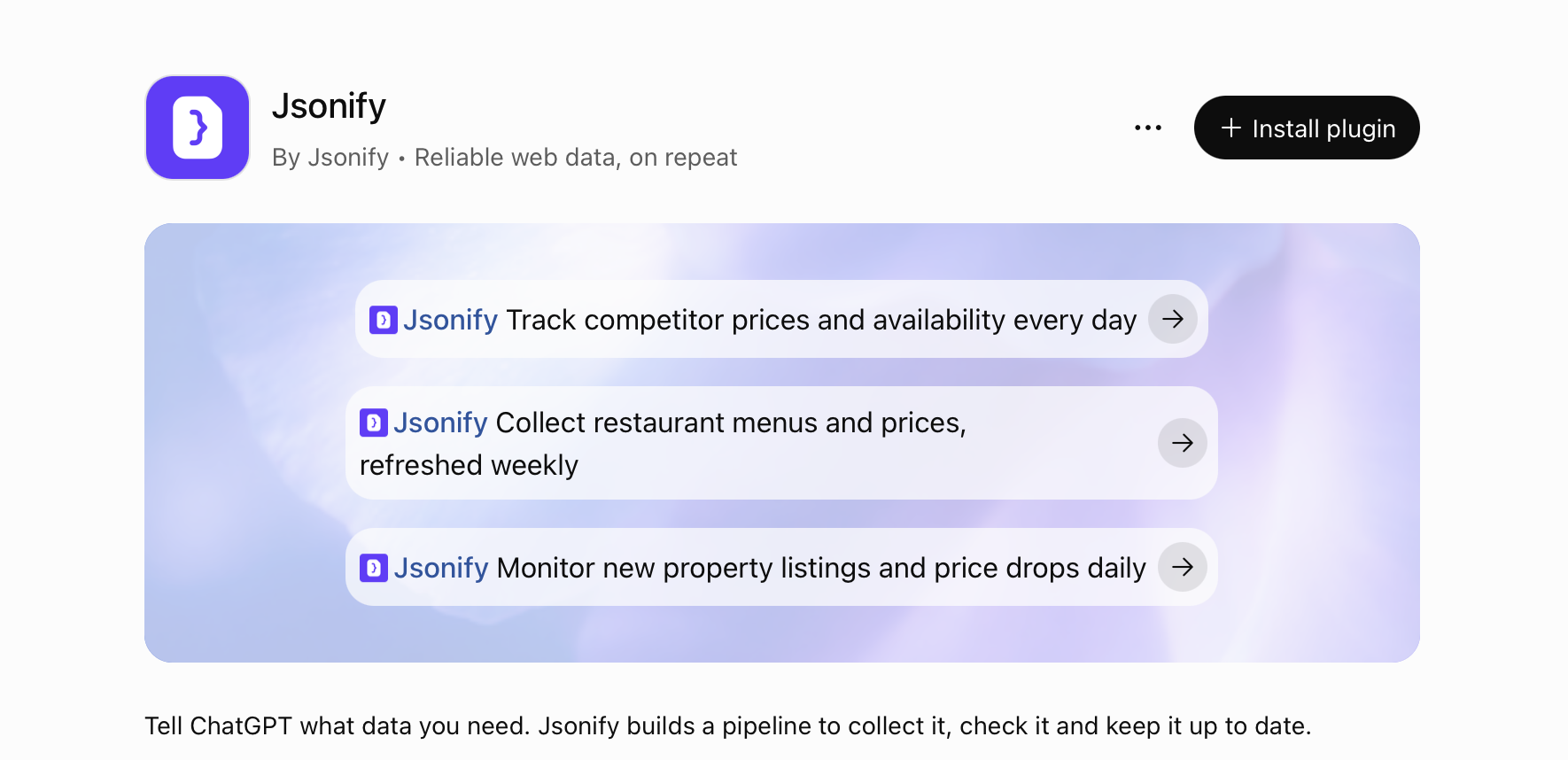
The Jsonify plugin listing in ChatGPT: Reliable web data, on repeat, with an Install plugin button and three example prompts for tracking competitor prices, collecting restaurant menus and monitoring property listings.
Tell ChatGPT what data you need. Jsonify builds the pipeline.

Jason is great, but he’s just a data collector. If you want to understand and analyze data, Claude or ChatGPT are great. Our plugins for both are now live on the platform stores.

Connect Claude or connect ChatGPT.

Also improved

  • Jason now lives in Slack as well. Just @Jason and he’ll help. Or send email directly. Try it now: jason@jsonify.ai.
  • Quality assurance checks run after each dataset commit, flagging any issues automatically.
  • Much improved mobile engineering. Jason now has a phone he can interact with to read and extract data from mobile apps.

Log in to Jsonify to try any of it, or start free on jsonify.com with 100 rows a month.

Got feedback on any of this? Email me: paul@jsonify.com. I read every message.

Until next month,
paulh at Jsonify

Start free

Your next dataset starts here.

Describe the data you need. Build for free with 100 rows a month, no credit card required.

Migrate from your current tool

Share what you run on your current tool today. Jason, Jsonify’s AI data engineer, reads it and proposes the same pipelines on Jsonify, with checks and repairs built in.

Don’t include passwords or API keys. Exports, task configs and screenshots can be attached in Jsonify on the next step. Privacy

Connect your data assistant

Build datasets and work with your data in Claude, ChatGPT, Copilot or another assistant.

Connect in Claude

  1. Open the Jsonify connector: Open on Claude.ai ↗
  2. Select Connect and sign in to Jsonify.
  3. In a chat, enable Jsonify under + → Connectors and describe the data you need.
Advanced

Team or Enterprise account? Your workspace owner enables Jsonify once for everyone from Admin settings → Connectors. Jsonify is a community connector in the directory — some admins allow those by default, some review them first.

No directory? Add it by hand: Settings → Connectors → + Add custom connector, name it Jsonify, paste the server URL below, then Connect.

Server URLhttps://factory.jsonify.com/mcp

Official Claude custom-connector guide ↗

Then say: “build me a dataset of competitor product prices and availability, refreshed daily”. Full instructions per client on /connect.